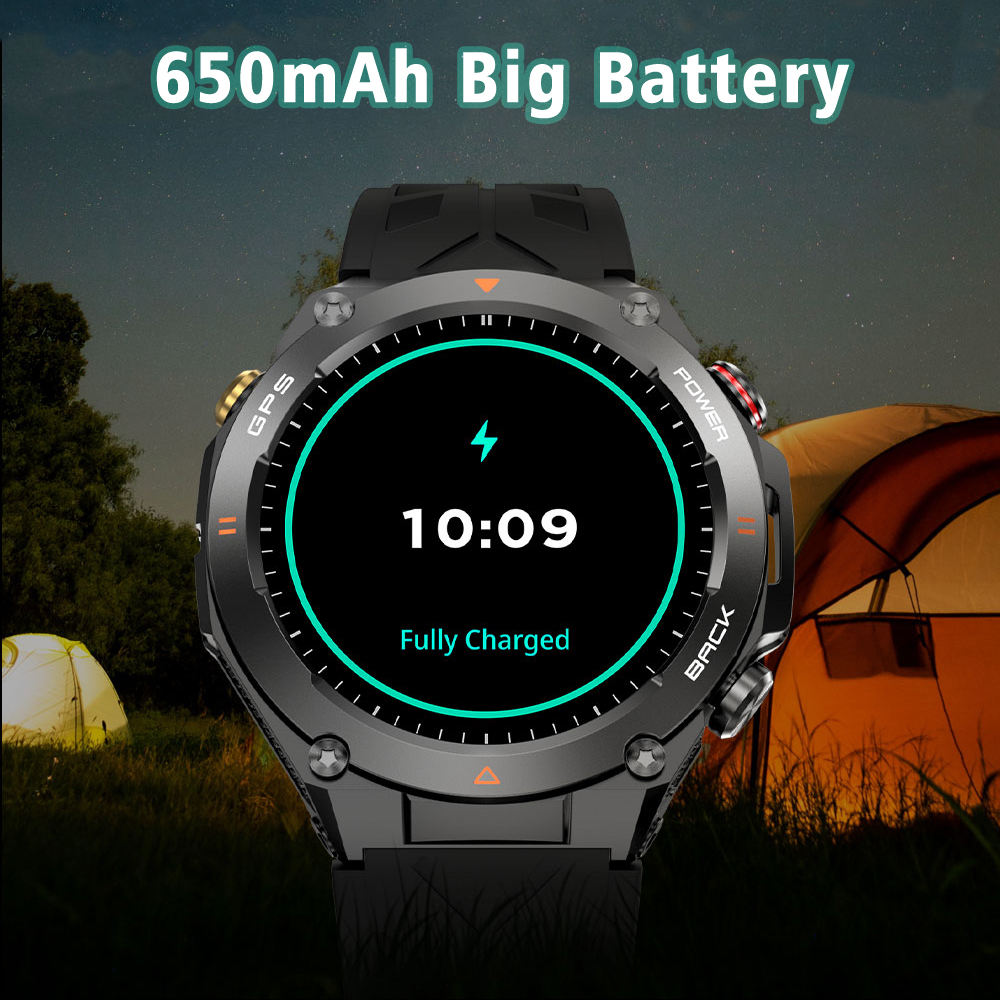

Photos from current listings. Actual item, color, and included accessories may vary.
Smartwatch Compatible With iPhone Buying Guide
A smartwatch compatible with iPhone is a wearable that pairs over Bluetooth to an iPhone for notifications, health tracking, and app control. The core trade-off is ecosystem depth: Apple Watch delivers native deep integration with iOS, while third-party watches use companion apps and offer longer battery life at the cost of feature parity. The decision rule is simple: if you rely on iMessage replies, Apple Pay, and seamless Siri, choose Apple Watch; if you prioritize multi-day battery and cross-platform flexibility, pick a third-party watch with a proven iOS app.


At a glance
- Category
- Smartwatches & Fitness Wearables
- Data updated
- Nov 16, 2026
Current offers
Highlights
- Apple Watch requires iPhone XS or later with iOS 17+; third-party watches typically require iOS 14+ and rely on Bluetooth 5.0 for stable notification mirroring.
- Apple Watch Series 9/Ultra 2 use the S9 SiP with 64-bit dual-core CPU; older Series 3 and SE (1st gen) lack the performance for watchOS 11 and should be avoided.
- Garmin, Amazfit, and Huawei watches support iOS but cannot reply to iMessage directly; notifications are one-way unless the watch has a cellular plan and third-party app support.
- Battery life ranges from 18–36 hours for Apple Watch to 5–14 days for Garmin/Amazfit; GPS accuracy and heart-rate sensor quality (e.g., multi-band GNSS vs single-band) are the main performance differentiators.
Best use cases
- Best fit for iPhone users who want full iMessage replies, Apple Pay, and ECG: Apple Watch Series 9 or Ultra 2—skip if you need multi-day battery.
- Best fit for runners/cyclists who want week-long battery and precise GPS: Garmin Forerunner 265 or 965 with iOS—skip if you need on-watch text replies.
- Best fit for budget buyers wanting notifications and basic health tracking: Amazfit Bip 5 or GTR 4 with Zepp app—skip if you need third-party app ecosystem or contactless payments.
- Wrong fit: any Wear OS watch (Samsung Galaxy Watch, Google Pixel Watch) with iPhone—limited functionality and no Google Assistant; skip entirely for iPhone.
Buying tips
- Check iPhone compatibility: Apple Watch needs iPhone XS or later; Garmin Connect works with iOS 15+; Amazfit Zepp supports iOS 14+. Avoid watches requiring Android-only features.
- Prioritize Bluetooth 5.0+ and dual-band GNSS (L1+L5) for accurate GPS and stable connection; single-band GPS drifts in urban canyons.
- For sleep and heart-rate accuracy, choose watches with multi-LED optical sensors (e.g., Garmin Elevate V5, Apple's 3rd-gen sensor) and avoid older single-LED models.
- Verify water resistance: 5 ATM (50m) is minimum for swimming; 10 ATM for diving. IP68 is splash-proof only and unsuitable for pool laps.
Specs
| iPhone Compatibility | iPhone XS+ (iOS 17+) for Apple Watch |
|---|---|
| Battery Life | 18–36 hr (Apple) vs 5–21 days (Garmin) |
| GPS Accuracy | Dual-band GNSS (L1+L5) vs single-band |
| Water Resistance | 5 ATM (swim) vs IP68 (splash only) |
Related searches
What to check before buying
- Confirm your iPhone model and iOS version meet the watch's minimum requirements (e.g., Apple Watch needs iPhone XS+ with iOS 17+).
- Measure wrist circumference: small wrists (under 150mm) should choose 40–42mm cases; larger wrists (over 170mm) can use 44–49mm cases.
- Check band compatibility: Apple Watch uses proprietary lugs; Garmin uses QuickFit (22mm or 26mm); Amazfit uses 20mm or 22mm standard straps.
- Ensure your carrier supports eSIM for cellular watch models if you want standalone connectivity (Apple Watch cellular requires iPhone carrier plan).
FAQ
Data sources: eBay / Amazon listings and product attribute feeds Data updated Nov 16, 2026.
Some links on this page are affiliate links. If you buy after clicking one, we may earn a commission at no extra cost to you. This does not change which products appear here or their order. Affiliate disclosure.